

Portrait photography course
Photographing people is exciting and challenging. In this course, you'll learn how to create (even) better portraits – from preparation and composing the image to image editing in Adobe Lightroom and Portrait Pro. We deliberately work with very simple tools and then move on to professional equipment so you can experience the different possibilities. Furthermore, everyone is not only a photographer but also a model. This way, you'll get to know the side of the camera and the side behind it.
Scroll down for detailed information.
Course content
Communication with your model
Finding the right place in a room for a portrait
Outdoor portrait
Foreground / Background
better portraits with little additional equipment
better portraits with studio equipment
Image editing of portraits with Adobe Lightroom/Photoshop and Portrait Pro
Required prior knowledge
Basic knowledge of Adobe Lightroom, software installed on your laptop
Basic knowledge of photography and your camera – aperture, shutter speed, ISO, white balance


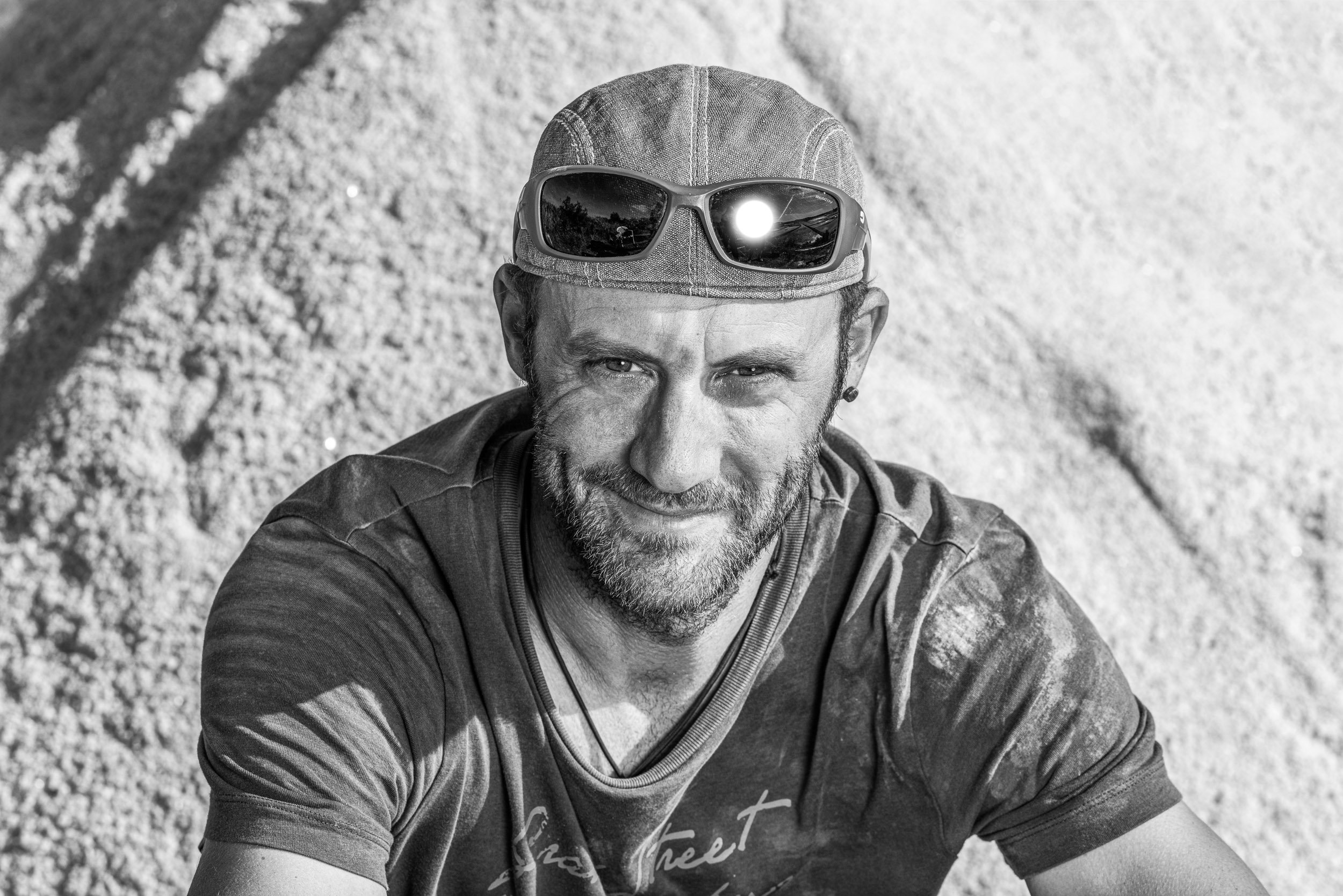


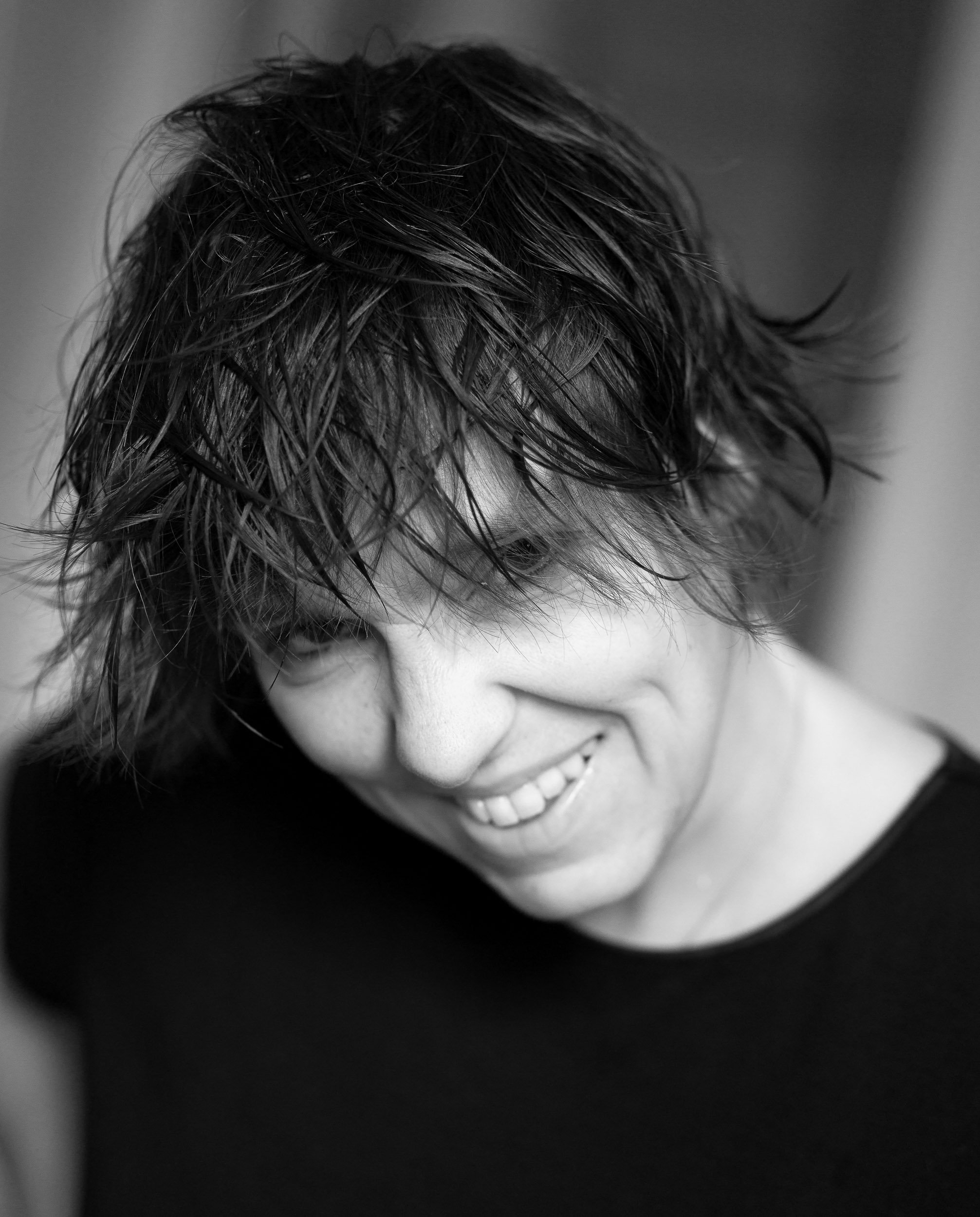


From spontaneous snapshots to fully staged studio shots – hardly any other photographic subject offers such a high degree of diversity as portrait photography (all images © by Peter and Ursula Schäublin)
Course content
Day 1 / Start at 15.00
Round of introductions, objectives and expectations
Examples of portrait photography
technical requirements: best lens, best camera, light, tripod
first practical exercises
Videos that provide insight into the work of various portrait photographers
Day 2 / one block each in the morning and afternoon
Portrait photography in various settings using different tools. We work in pairs.
Organization of images on the computer: how and where to store them
Image editing with Adobe Lightroom and with Portrait Pro / Retouch4me:
- Basic processing
- additional editing optionsBlack and white conversion
Day 3 / one block in the morning, short block in the afternoon
Applying all the steps learned
Export images. Each participant selects two images to present
Presentation of results, exchange
Location
Costs
according to the Casa Moscia tender: Click here for detailed information and registration
Number of participants
6, max||10 participants
In addition to the photo equipment, each participant brings their own computer with them, on which Adobe Lightroom is installed||We will send you the link with the registration confirmation, which will also provide you with the invoice for transferring the course amount.
Next performance
Fri. 15.1.27 (start at 15.00) to Sun. 17 January 2026 (until 15.00)